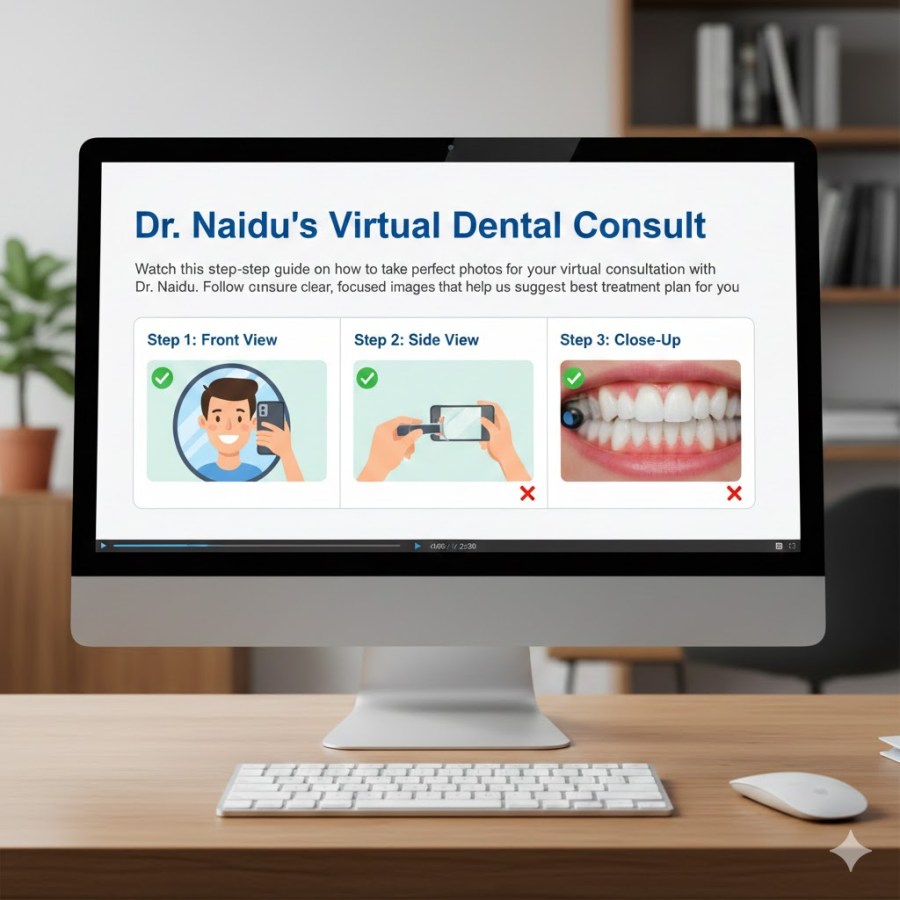
Let’s take a couple of minutes to walk you through how to get some great photos for us to look at.
Get clear, focused photos at close-up so we can see everything in detail.
- Setup equipments
- Take 8 Photos
- Send the photos
- Fill Form
Steps
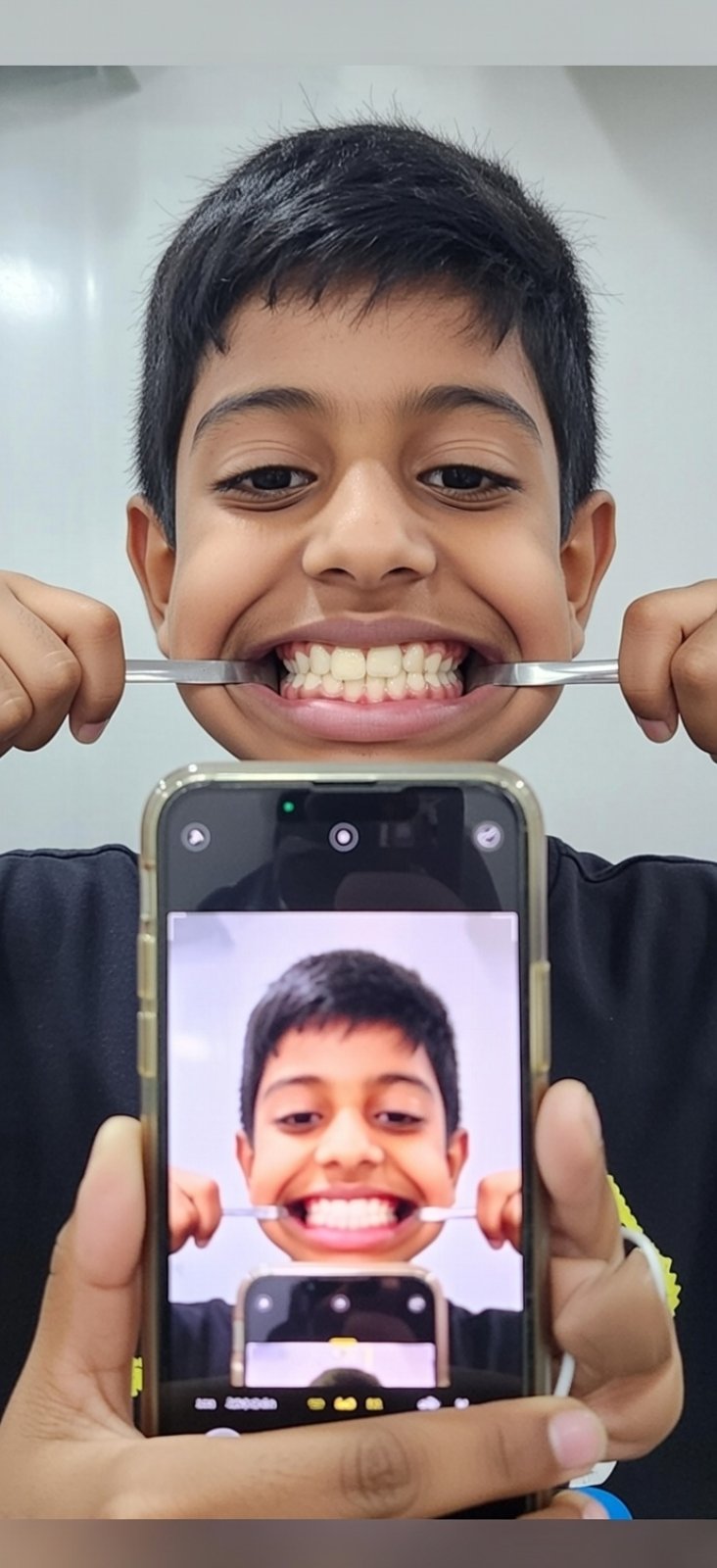
“Watch this step-by-step guide on how to take perfect photos for your virtual consultation with Dr. Naidu. Follow our easy tips to ensure clear, focused images that help us suggest the best treatment plan for you!”
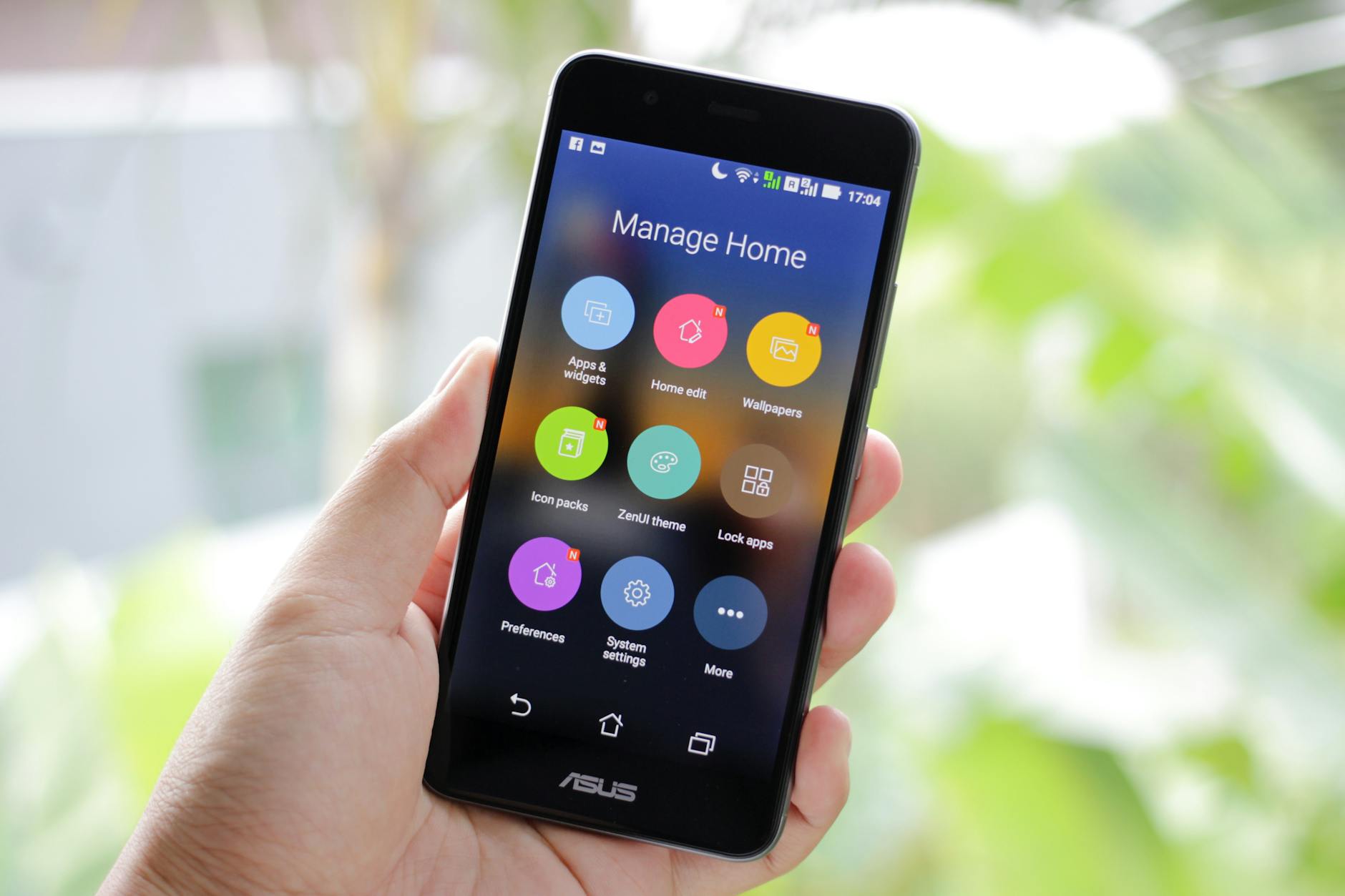
You’ll need a smartphone
These photos are easier with someone to help you or using the selfie timer.
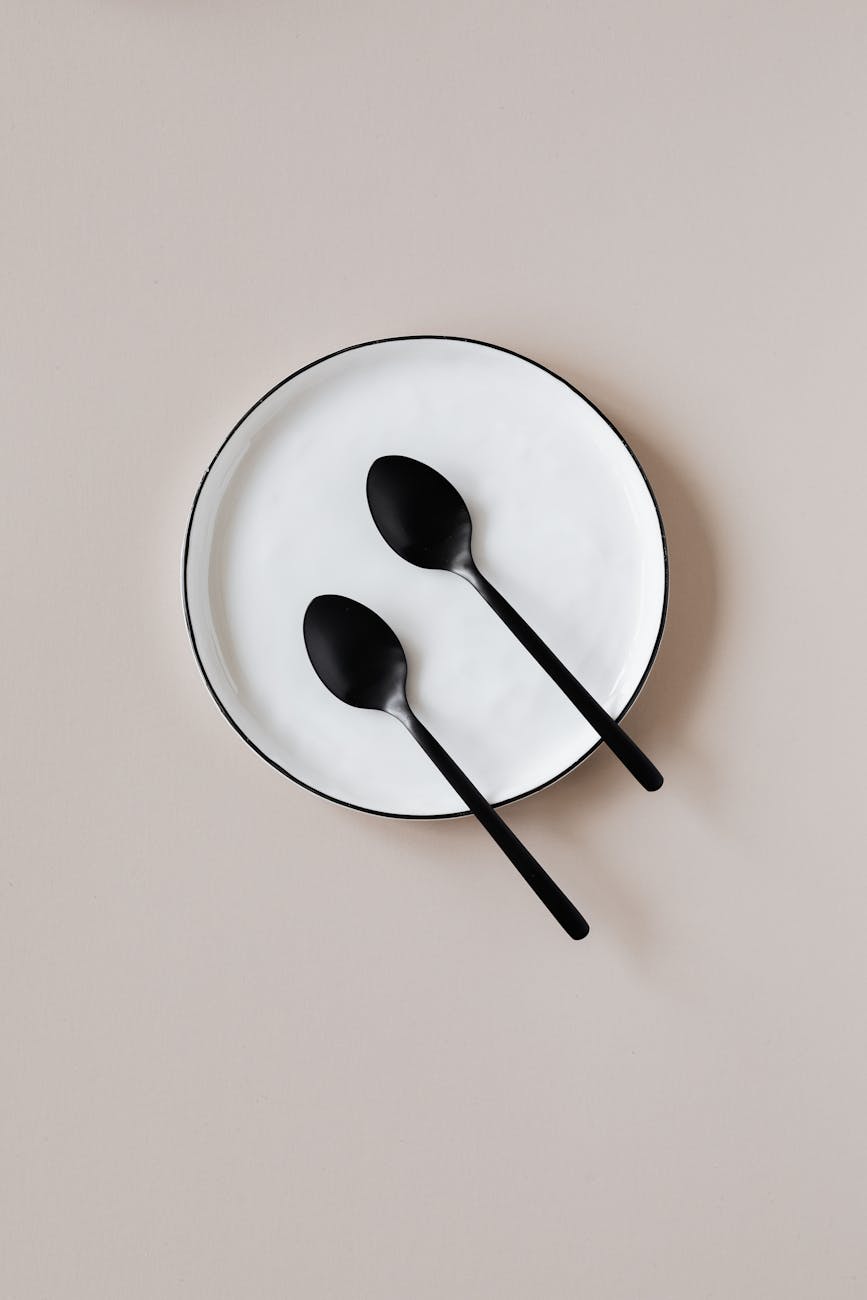
2 spoons.
These will be used as retractors to get view of your teeth
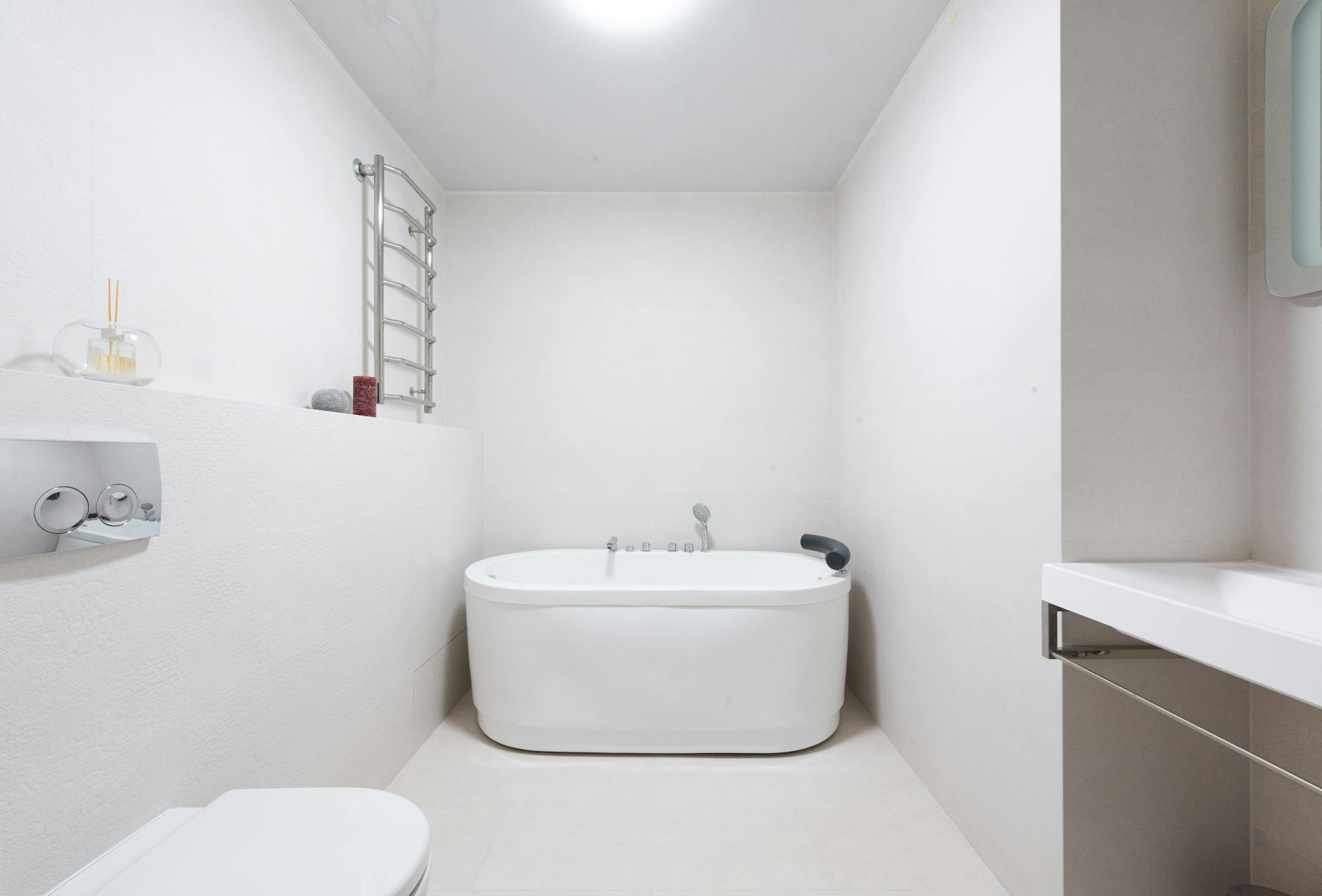
Bright well lit room
Make sure there is good lighting, either in a bright room or using your smartphone’s flash.
Avoid mirrors as we can confuse left and right.
Photos :
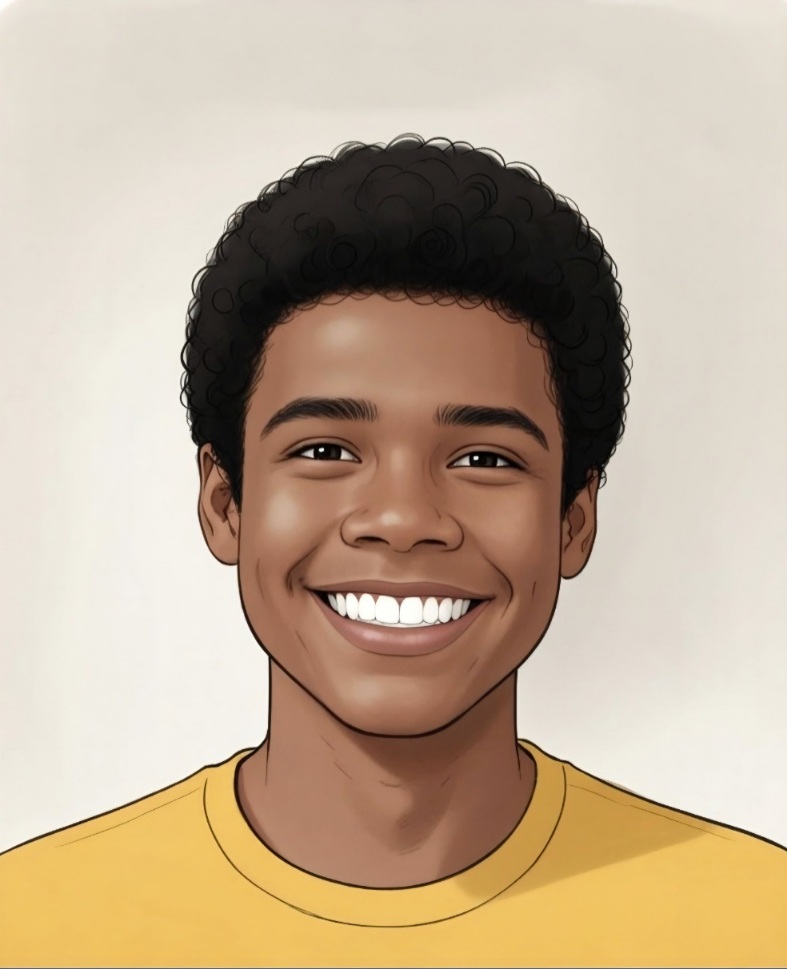
Frontal Smiling:
A frontal smiling photo to see the teeth while smiling.
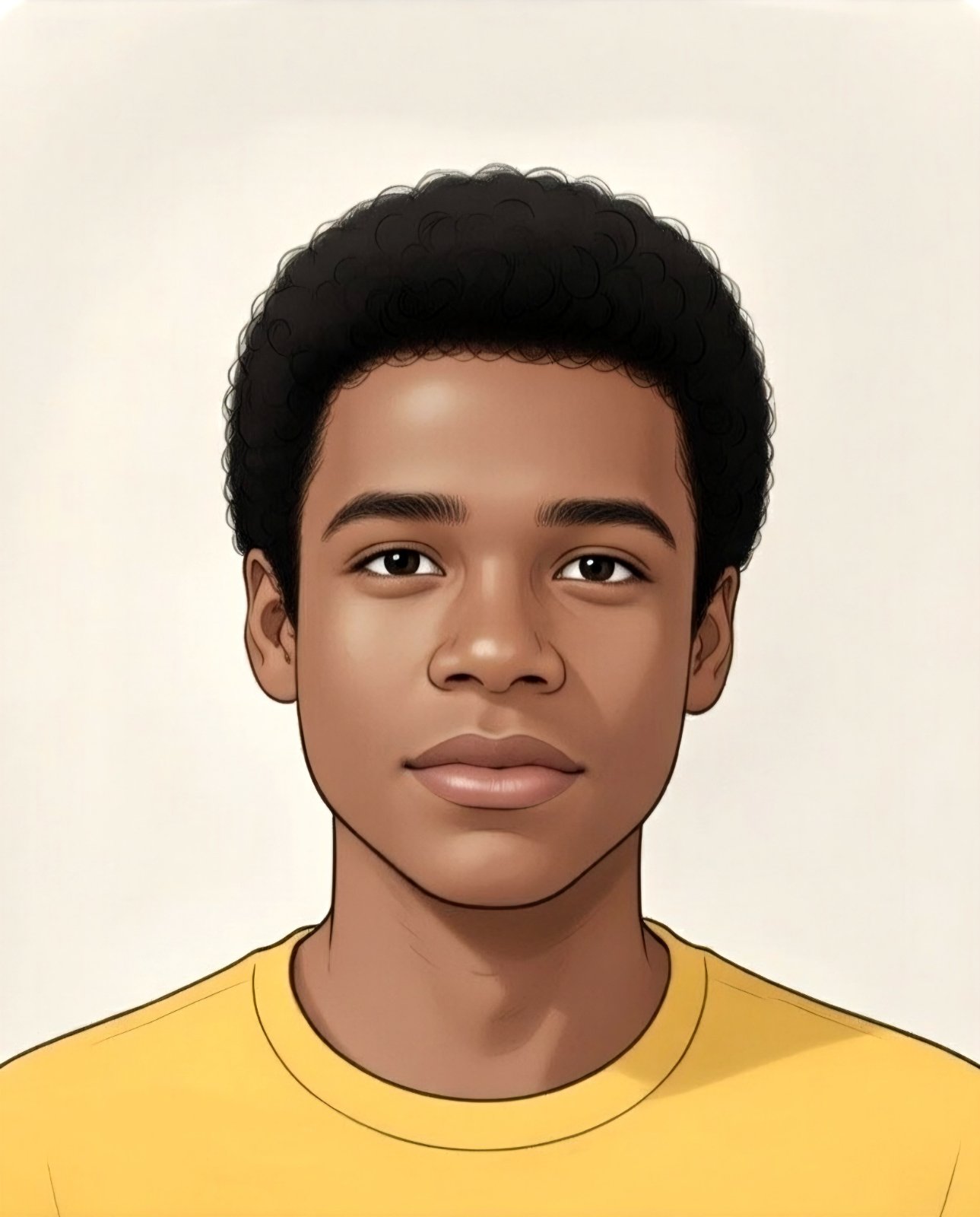
Frontal Not Smiling:
A frontal photo not smiling, like a driver’s license identification photo.
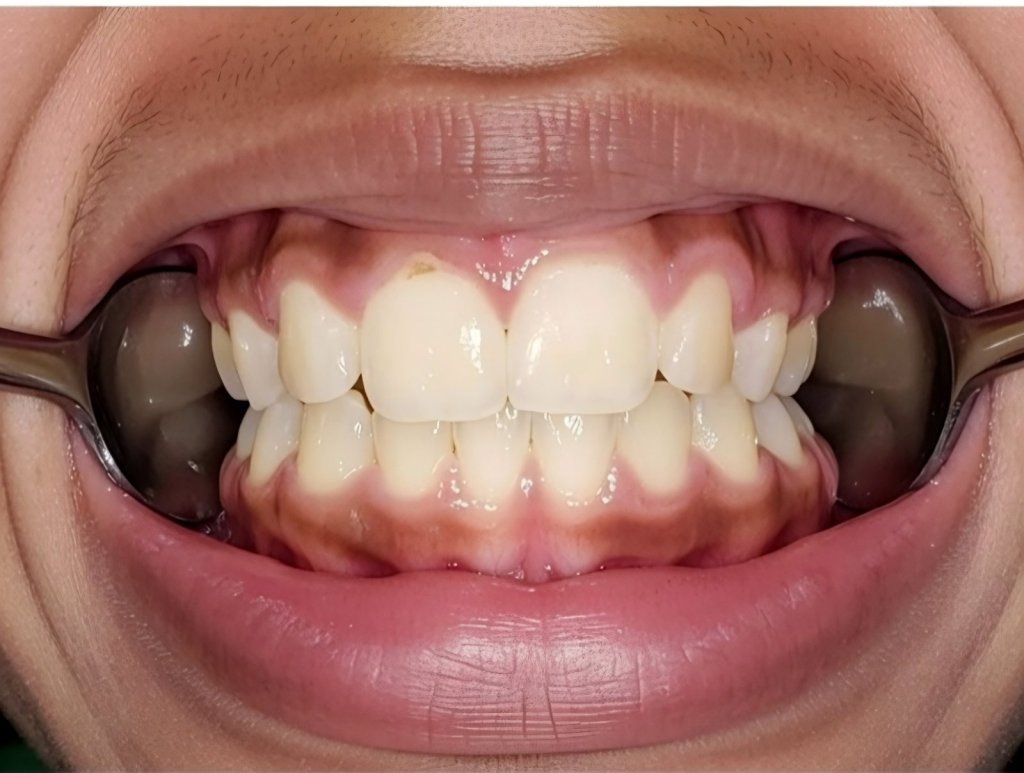
Center with Teeth Biting Down:
Use the spoons to pull cheeks apart.
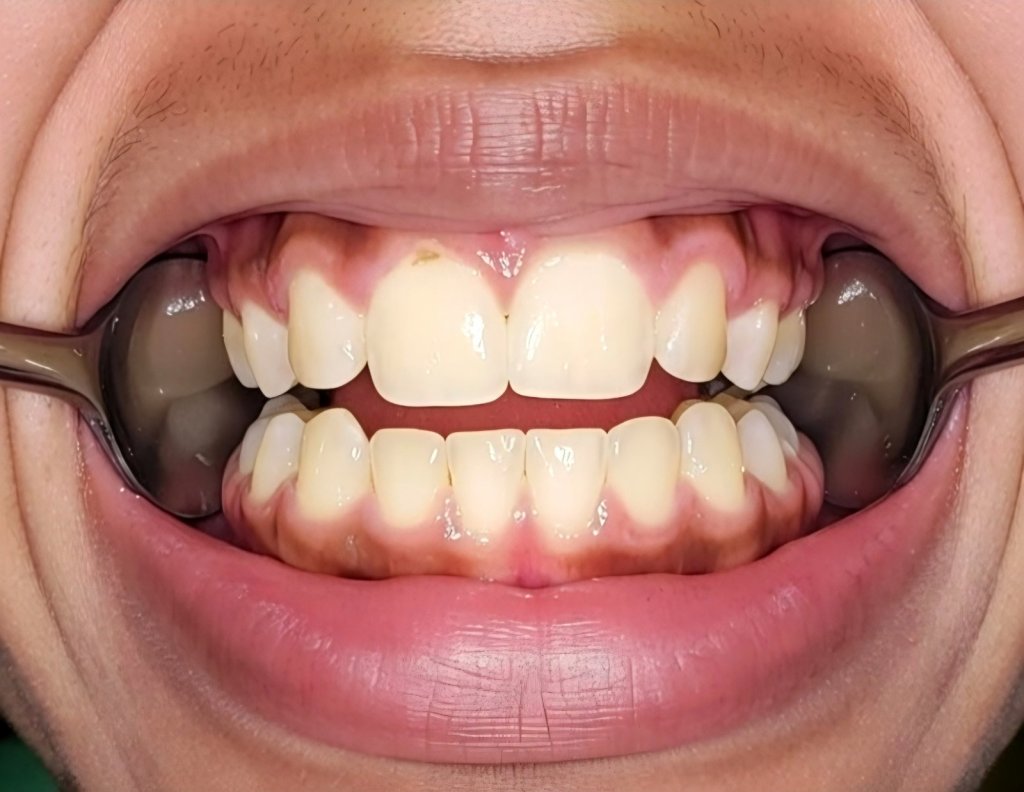
Center with Teeth Slightly Apart:
Same position with teeth slightly apart.
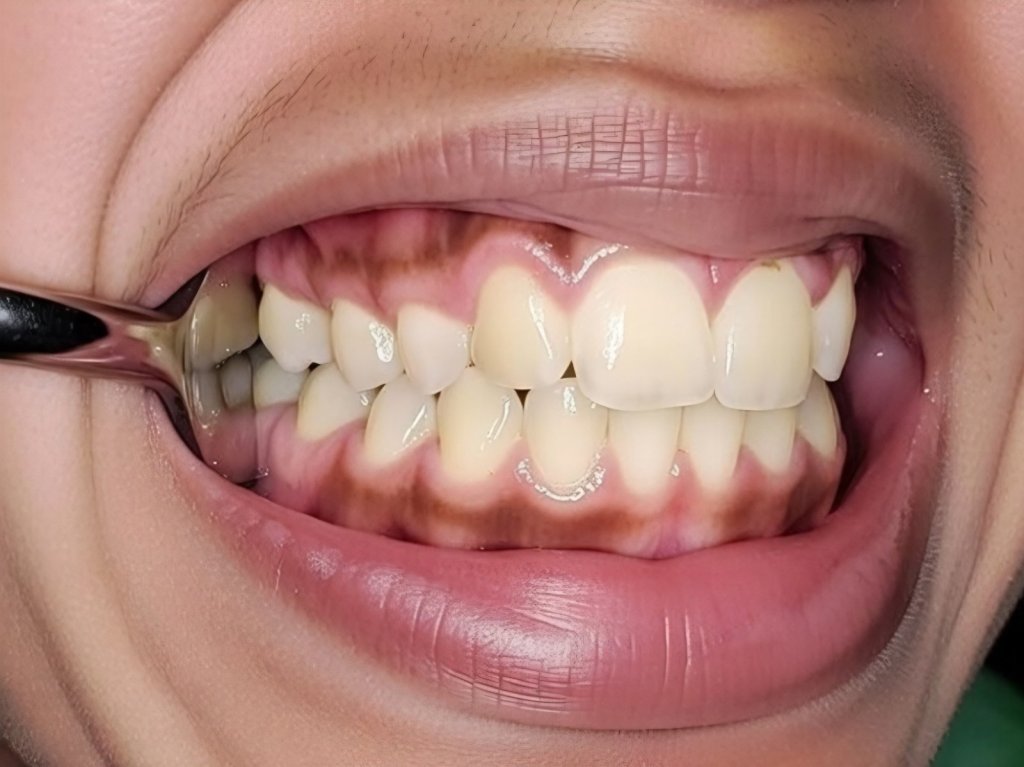
Right Side:
Get the camera as close to the spoon on the right so we can see all the back teeth.
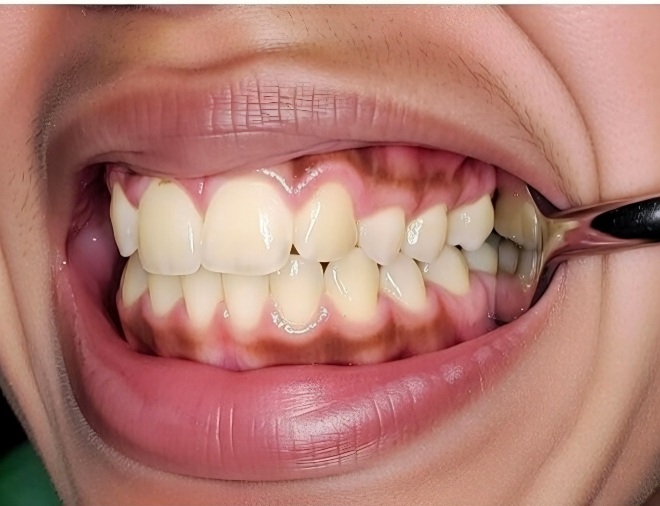
Left Side:
A good close-up of the back teeth on the left side.
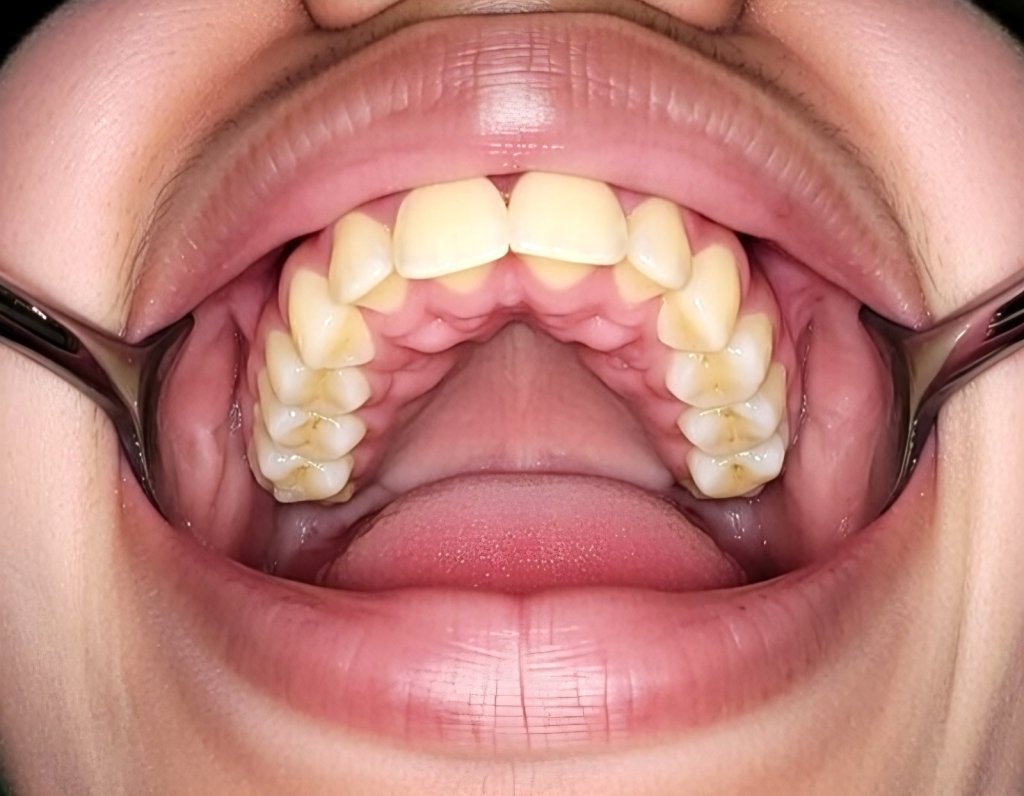
Upper Teeth with Chin Up:
Pull lips and cheeks away to see the back teeth’ surface.
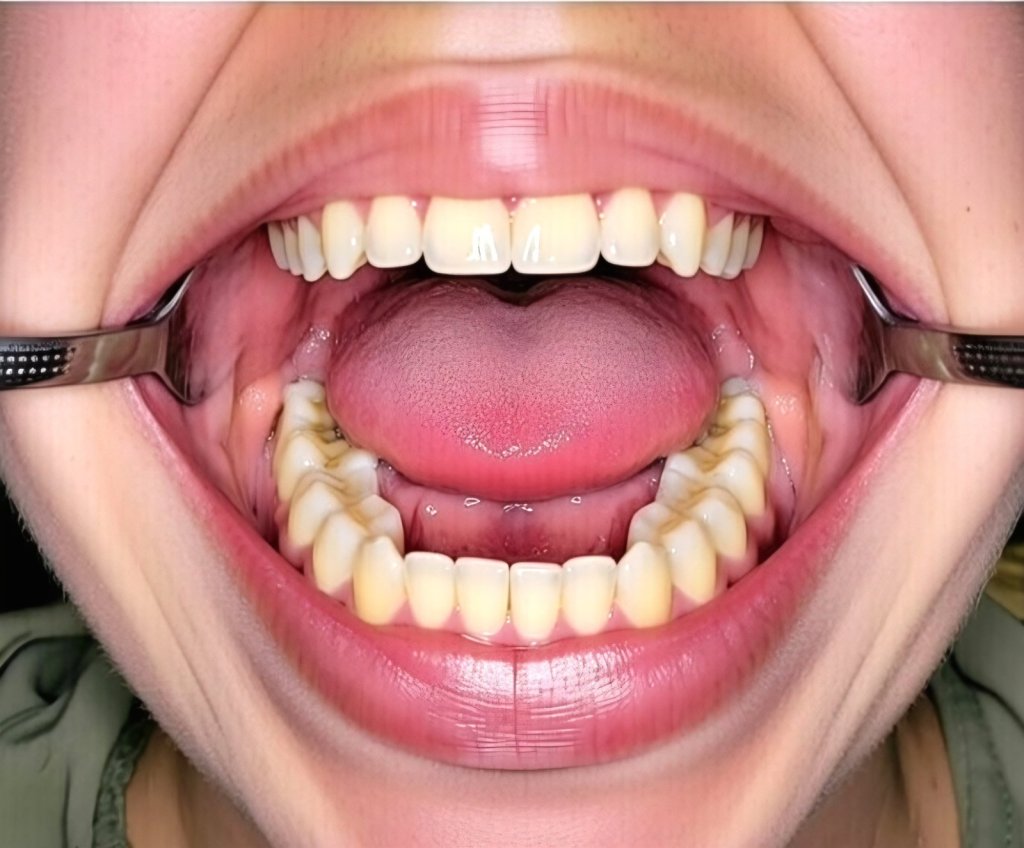
Lower Teeth with Chin Down:
Pull the lips and cheeks away to show the lower teeth.


 Dr Naidu's Dental & Medical Clinic- Nadi , Fiji